
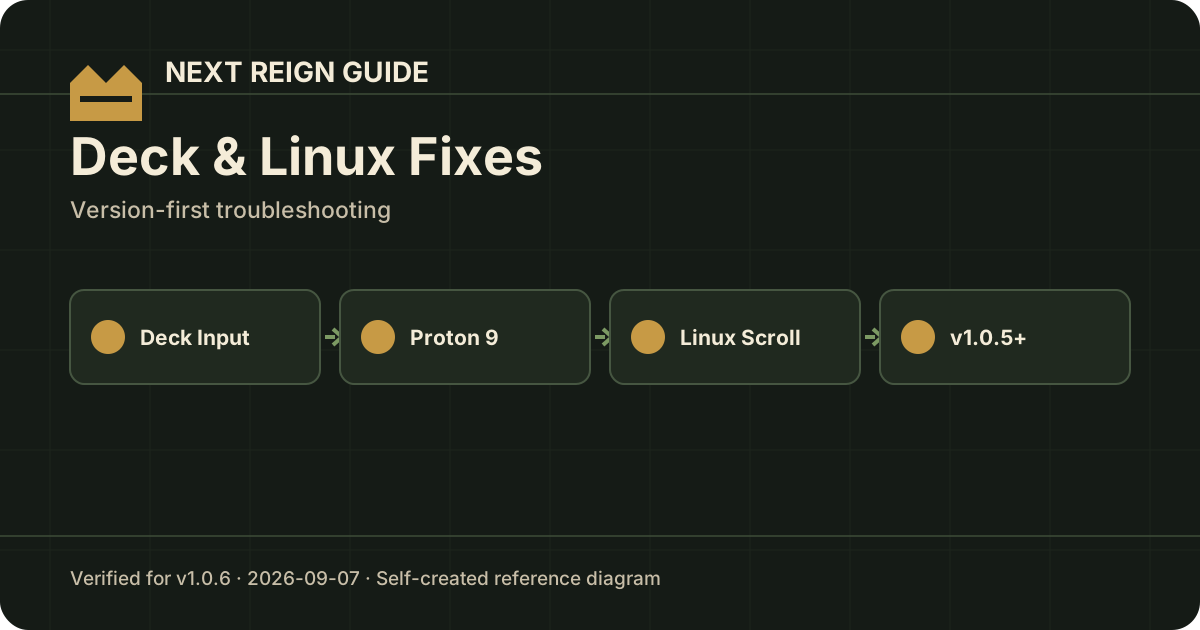
Steam Deck: no input at the main menu
The v1.0.1 developer note said some Steam Deck players could not get input and therefore could not get past the main menu. The recommended workaround was:
Steam → Properties → Compatibility → force Proton 9.
The developer said this had already fixed the issue for several players at the time of the patch.
If a newer patch removes the need for Proton 9, this page should be updated rather than preserving the workaround forever.
Linux: crash while fast-scrolling lists
v1.0.5 fixed a Linux-only crash that could happen when scrolling lists rapidly with the mouse wheel. The issue involved tooltip/resource hover behavior and could trigger an engine crash without useful logs.
If you are on v1.0.5 or later, update before trying workarounds. The developer reported the reproducible crash no longer appeared after the fix.
Linux ↔ Windows cloud saves
v1.0.1 reported an issue transferring cloud saves between Linux and Windows. The temporary workaround was forcing Proton through Steam’s Compatibility settings.
That note is older than the current version. We have not found a later official statement in the verified source set that conclusively says every cross-OS cloud-save case is fixed, so this site does not claim that it is.
Before moving a valuable save between OSes, keep a local backup and verify Steam Cloud sync status.
Quick matrix
| Problem | Current verified response |
|---|---|
| Steam Deck has no input | Try Proton 9 (official v1.0.1 workaround) |
| Linux crashes when fast-scrolling | Update to v1.0.5+; specific crash was fixed |
| Linux/Windows cloud transfer behaves oddly | Force Proton was the official temporary workaround; later complete resolution not verified here |
Sources
- v1.0.1 Proton/Steam Deck/cloud notes: steamdb.info/patchnotes/25130365/
- v1.0.5 Linux crash fix: steamdb.info/patchnotes/25150306/