Essential shortcut table
| Input | Current observed use |
|---|---|
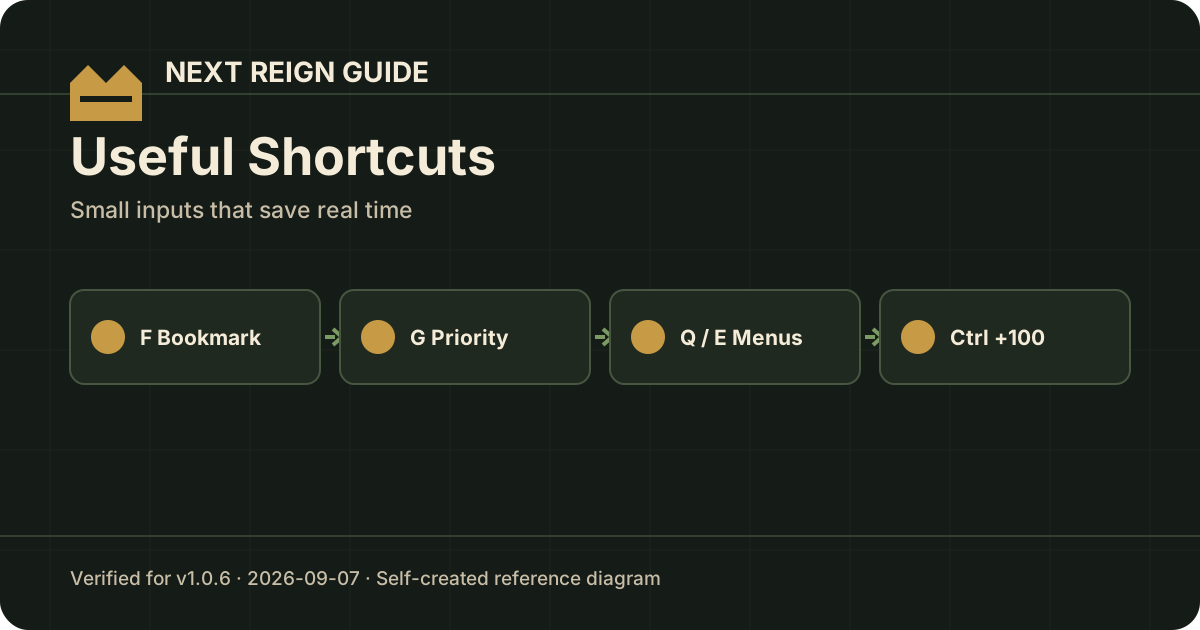
| F | Create a bookmark for a hovered resource requirement |
| G | Create a prioritized bookmark once that feature is unlocked/introduced |
| Q / E | Move through menus |
| Space | Pause |
| Right-click on supported Tier 1 worker creation control | Queue worker removals/refunds |
| Hold/click crafting controls | Adjust crafting queue faster (v1.0.1+) |
| Left Ctrl while adjusting crafting | +100 queue modifier (v1.0.1+) |
The game adds contextual controls as systems unlock, so the tooltip next to the active system remains the authority for your current build.
F vs G bookmarks
The basic F bookmark answers: “What am I saving for?”
Later full-release footage describes a prioritized bookmark created with G. Its value is resource protection: automatic consumption that would make the priority target unaffordable can be paused.
Use F for visibility; use the prioritized version when automation starts competing with a major purchase.
Faster crafting queues
Hotfix v1.0.1 added hold/click queue changes plus Left Ctrl +100. This is a major quality-of-life shortcut once crafting amounts get large.
If the tooltip in your language has not caught up, note that the developer originally said localization could lag behind the feature even though the functionality was already present.
Removing Tier 1 units/workers
v1.0.1 added the ability to free Tier 1 Units. Full-release guidance also shows right-click queueing removals on supported Tier 1 worker controls.
Use removal when an early allocation is blocking capacity that is better spent on a newly unlocked role.
Pause before changing a busy economy
Space pauses current gameplay in observed full-release footage. Pausing is useful before rearranging formations or changing several production decisions at once; it prevents a resource from disappearing while you are reading multiple menus.
Sources
- v1.0.1 shortcut additions: steamdb.info/patchnotes/25130365/
- Full-release transcripts supplied for this site (F/G bookmarks, Q/E, Space, right-click removal)